Changelog

Keep track of the latest changes to PyTRIO

A brand-new docs UI

We have rebuilt the official documentation interface with a fresh color scheme, a clearer page layout, and a redesigned changelog page. Open docs.pytrio.com to see the new structure: the sidebar, the wider body copy, and the outline on the right have been re-arranged with clearer hierarchy. The changelog now uses a timeline view, with an illustration for every update.
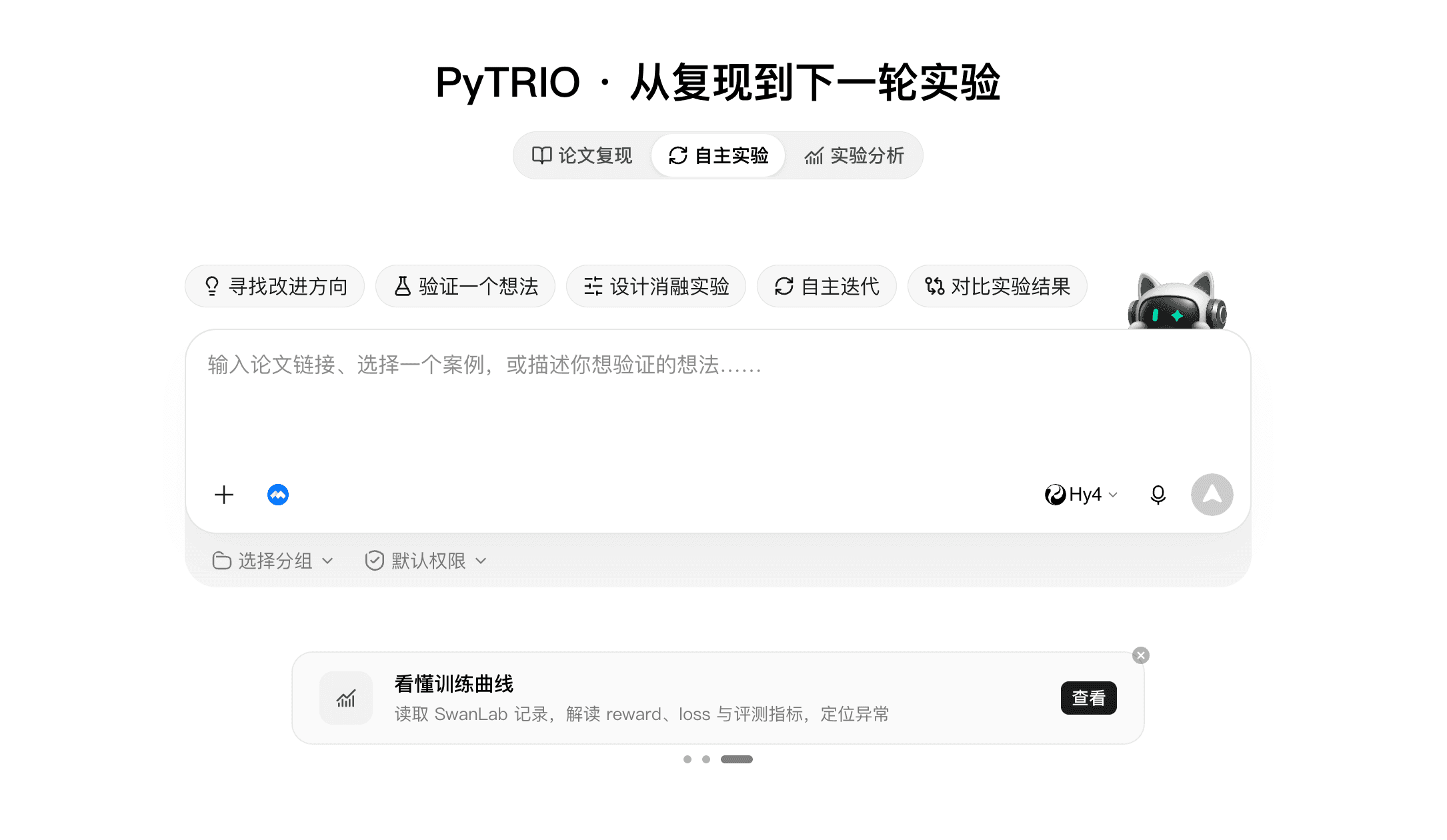
The PyTRIO app is now on Workbuddy

We have published PyTRIO as an app on Workbuddy, turning paper reproduction and the next round of experiments into a single flow. Open the PyTRIO app in Workbuddy, paste a paper link or describe your idea, then choose Paper Reproduction, Autonomous Experiment, or Experiment Analysis; it reads your SwanLab records and helps you pinpoint anomalies.

Overview of PyTRIO training and inference APIs (Chinese labels)

A new website is live

We have launched a new website that turns products, pricing, and resources into clearer entry points. Open pytrio.com to see the new homepage: Product covers training and inference capabilities, Pricing helps you estimate usage costs, and Resources takes you straight to the docs and case studies.

Overview of PyTRIO training and inference APIs (Chinese labels)

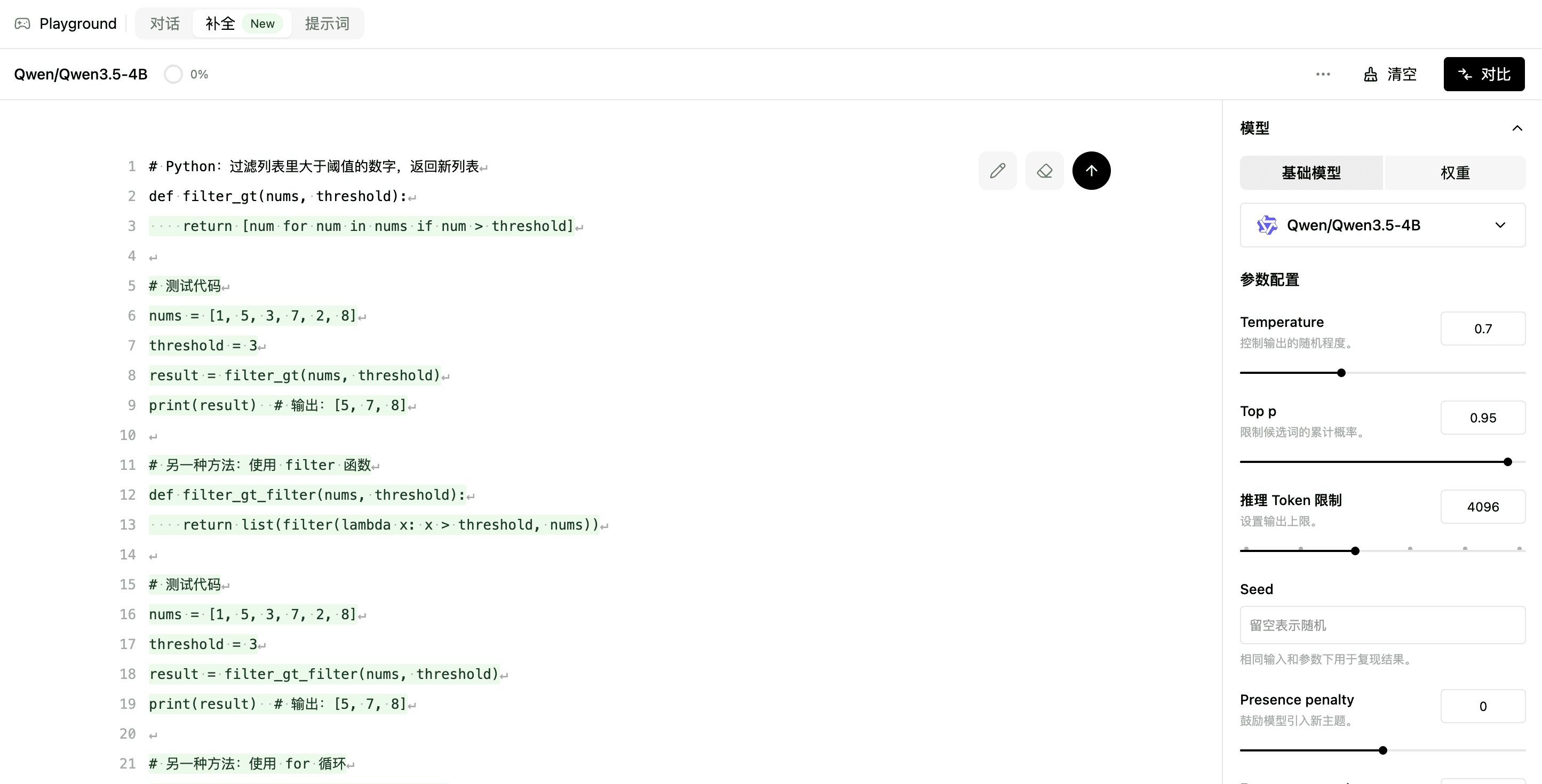
PlayGround now supports completion mode

PlayGround now has a completion mode, so code-completion and fill-in-the-middle models can be debugged directly. Open PlayGround and switch to Completion, put the cursor where the code should continue, and the model returns the missing span using the surrounding context, with the same parameters as chat mode.

Overview of PyTRIO training and inference APIs (Chinese labels)

Teams are now available

Team workspaces are live, so collaborating no longer means sharing a single account. Create a team in the console and invite members, and your models, weights, and experiments all move into the team workspace, where members share the same set of resources by role.

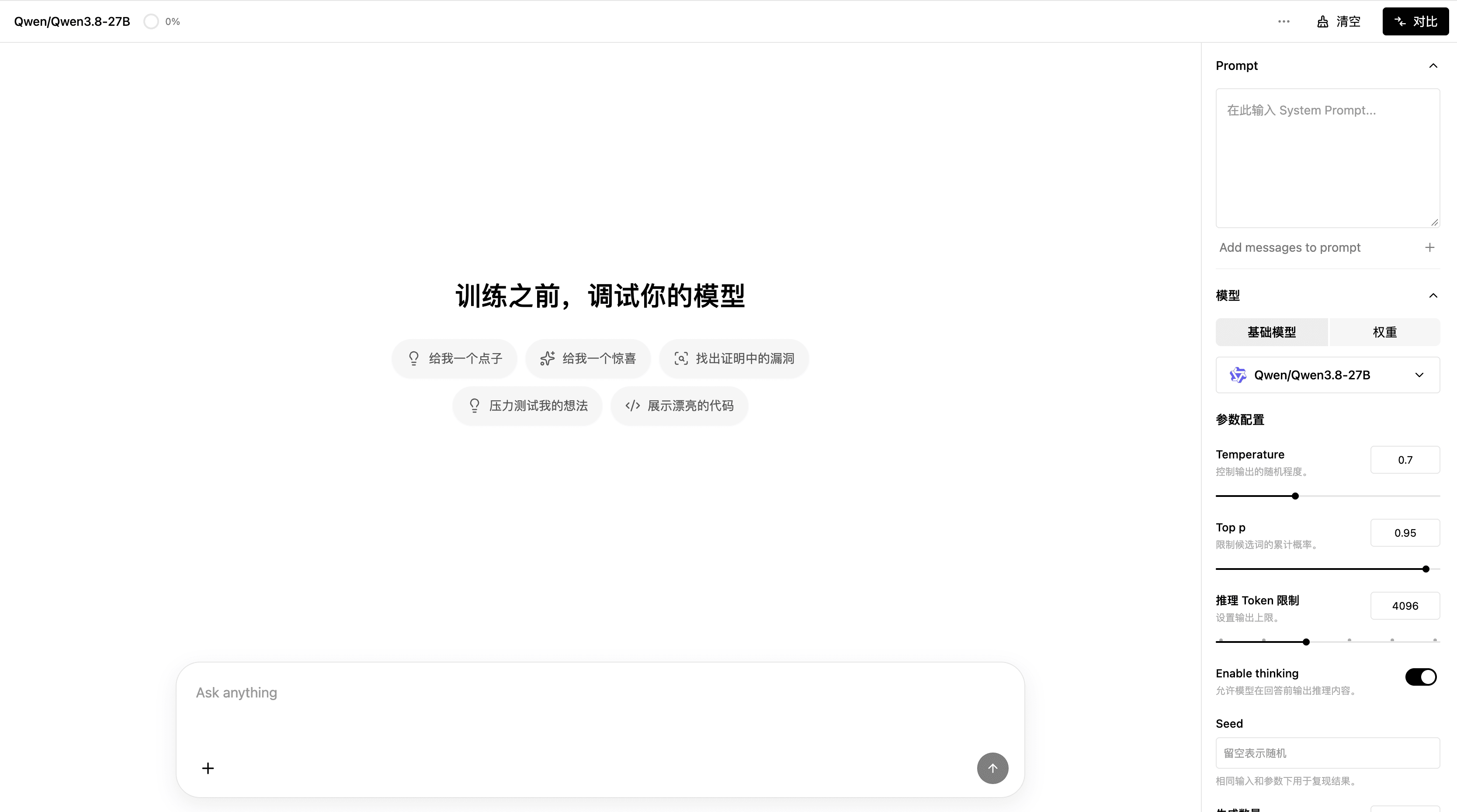
PlayGround is now live

PlayGround is live, so you can debug a model before committing to a full training run. Open the console and go to PlayGround, choose a base model or a saved weight, adjust parameters such as Temperature, Top p, and the inference token limit, then send a prompt to preview the output. You can also turn on comparison mode to view results side by side.

Overview of PyTRIO training and inference APIs (Chinese labels)

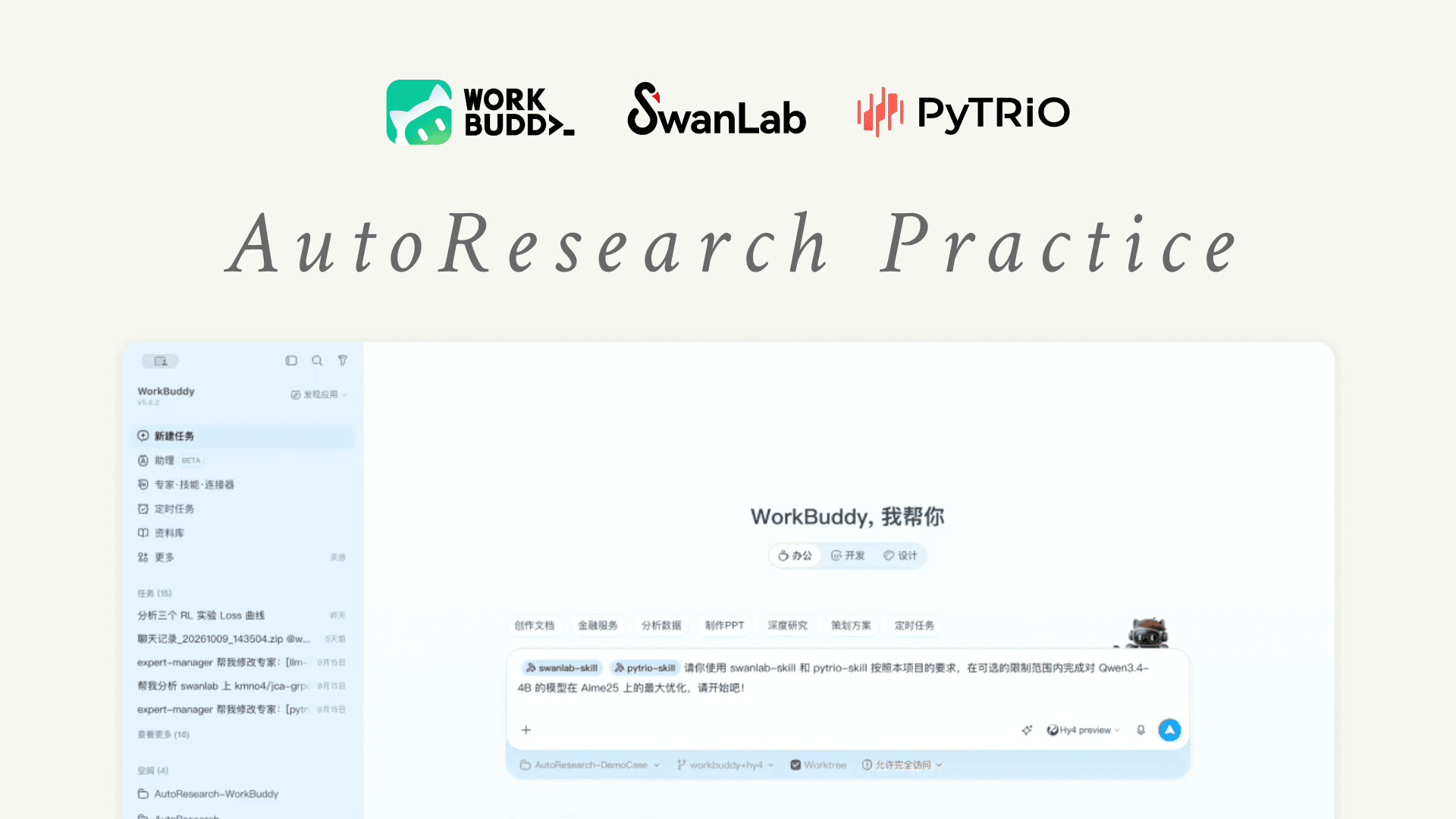
PyTRIO and SwanLab experts arrive in Workbuddy

We have connected the PyTRIO and SwanLab experts to Workbuddy, so AutoResearch can handle everything from writing code to logging experiments inside a conversation. Create a task, pick the PyTRIO or SwanLab expert, and describe your goal in natural language; it generates training and inference code that follows the official docs and writes metrics such as loss to SwanLab.

Overview of PyTRIO training and inference APIs (Chinese labels)

Qwen3.8-27B is now available on PyTRIO

We have added Qwen3.8-27B to the list of models available on PyTRIO, giving you another choice for LLM training and inference. Set the model to Qwen3.8-27B when creating an inference or training client and it is ready to use, with no changes to your existing sampling or fine-tuning code.

Multimodal training support

PyTRIO now accepts image input, so both inference and training can work with images directly. Put images into a ModelInput with ImageChunk, and align visual tokens with expected_tokens during training to run multimodal samples through the same LoRA SFT pipeline as plain text.